
SOUND SEPERATE AI
ABOUT SOUND SEPERATE
SOUND SEPERATE is an AI system that can separate individual tracks from a mixed audio file. You can upload your favorite songs and the system will separate the audio into four tracks: VOCAL, DRUM, BASS, and OTHER. Each song will be saved as a PROJECT, which you can edit in MY RECORD or use the PLAYLIST EDIT feature to create your own personalized playlist for practice. Sometimes, due to high volume of users, there may be a longer wait time for processing as files are added to the queue. However, uploading a song only takes place once and you can use it unlimited times after that. We will be adding more servers in the future to improve speed. We hope you can use SOUND SEPERATE AI to enhance your practice sessions.
UPLOAD FILES

First, you can drag and drop a file into this box or press the box to select the file you want to analyze, you can put in multiple files at once.
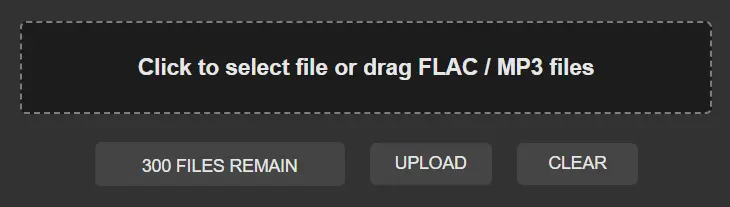

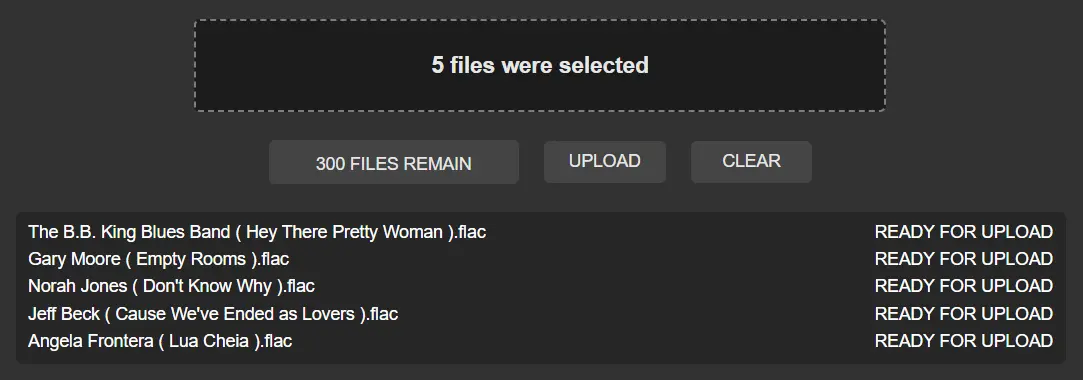
After that, you will see your file added to the list and marked as READY FOR UPLOAD. The FILES REMAIN will count down how many files can be uploaded. If there are any issues, you will see an error message.

The previously mentioned FILES REMAIN is defined based on the number of files available in your account. After the files are put in, the system will automatically check if there are any problems with the files. You will see the file marked as READY FOR UPLOAD on the right side. Once you have confirmed that your file is correct, you can press the UPLOAD button to start uploading. Please note that before all songs are marked as PENDING TO CONVERT, do not switch to another page, otherwise the upload will be interrupted. It is recommended to upload no more than 30 files at a time to ensure a stable network.

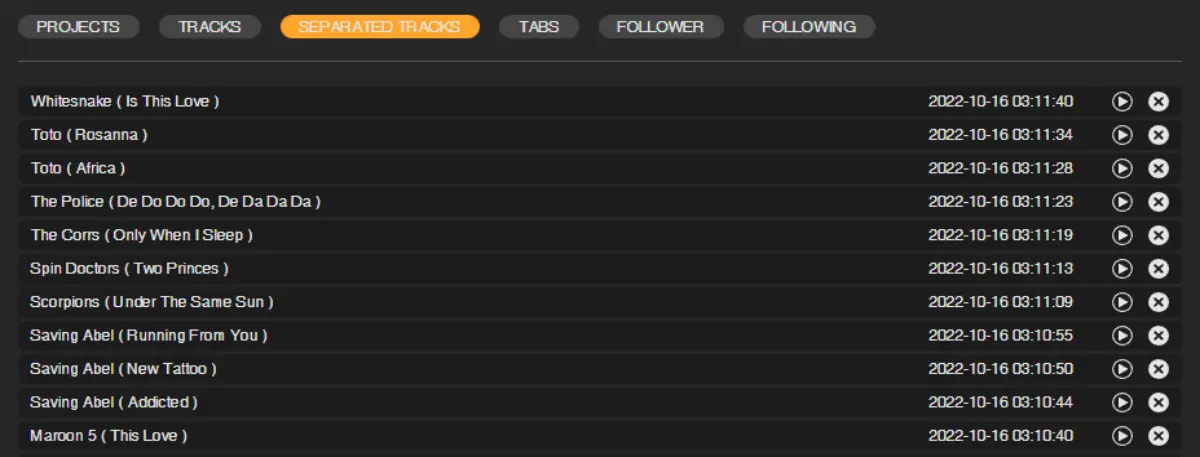
After pressing UPLOAD, the system will start putting the files into the queue. The time will vary depending on the length of the queue, so please be patient. When the file processing is complete, you can find it in MY RECORD > SEPARATE PROJECTS, or you can use the PLAYLIST EDITOR to add it to the PLAYLIST.
LAST UPDATE: 2026-02-06