
PLAYLIST & EDITOR
USING PLAYLIST EDITOR
You can easily add projects that are saved in MY RECORD or have been analyzed using the Sound Separation AI to specific playlists using the playlist editor. You can organize your projects into multiple playlists for added convenience and flexibility!
PLAYLIST EDITOR is divided into three windows:
PLAYLIST EDITOR is divided into three windows:
- SELECT PLAYLIST, which is mainly used to create, delete and edit PLAYLIST names.
- PLAY LIST, where you can see what PROJECTS are in the selected PLAY LIST.
- ALL PROJECTS, where you can find all the PROJECTS you already own.
CREATING PLAYLIST

You must have added at least one project saved or one project from SOUND SEPERATE. Then go to the PLAYLIST EDITOR, you can find it on the left side bar.
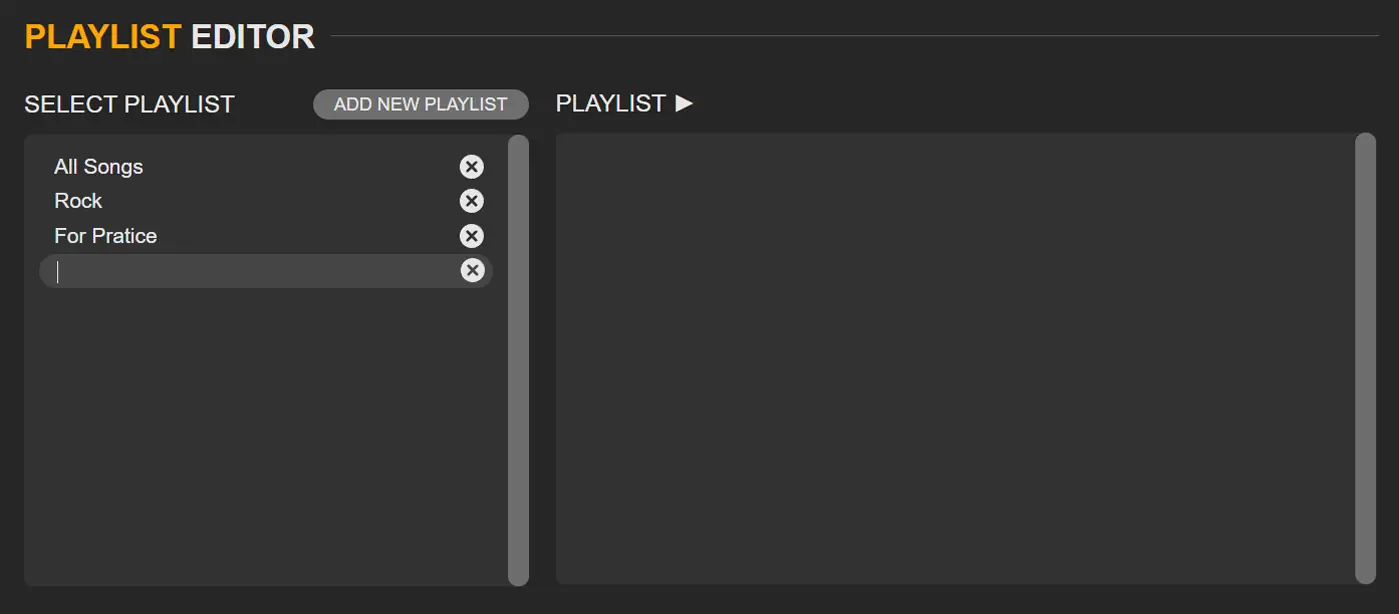
Click the ADD NEW PLAYLIST button, and a list of playlists will appear. then input a new name for the playlist.

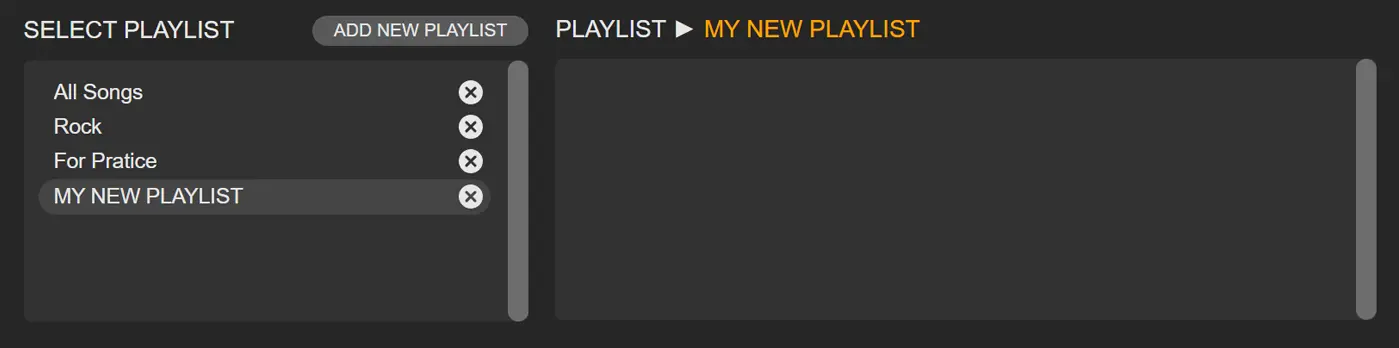
After selecting the new playlist, you will see the chosen playlist name beside PLAYLIST ►. Before adding songs, please make sure you have selected the right playlist.

You can select projects created with PROJECTS MIXER and SOUND SEPARATE, or projects you've added to MY FAVORITES, from the ALL PROJECTS window and add them to your playlist. Simply click  in the PROJECTS window to add them to the playlist. If you want to remove projects from the playlist, you can click
  in the PLAYLIST window.
in the PROJECTS window to add them to the playlist. If you want to remove projects from the playlist, you can click in the PLAYLIST window.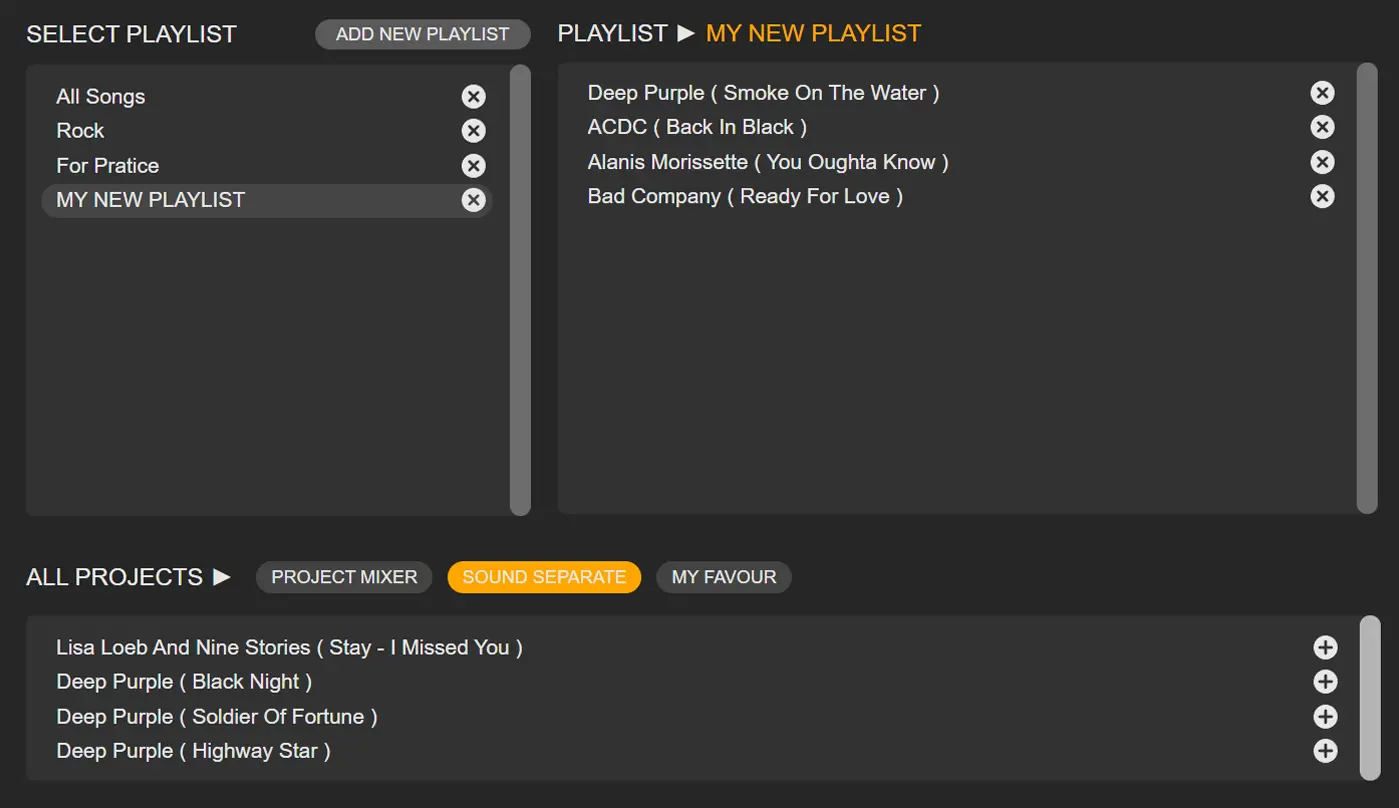
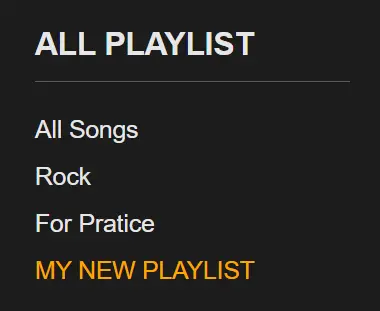
When you add a playlist, the new playlist will be synchronized to the bottom of the Left Side bar under MY PLAYLIST, and you can use it at any time by clicking on it!
LAST UPDATE: 2025-01-10